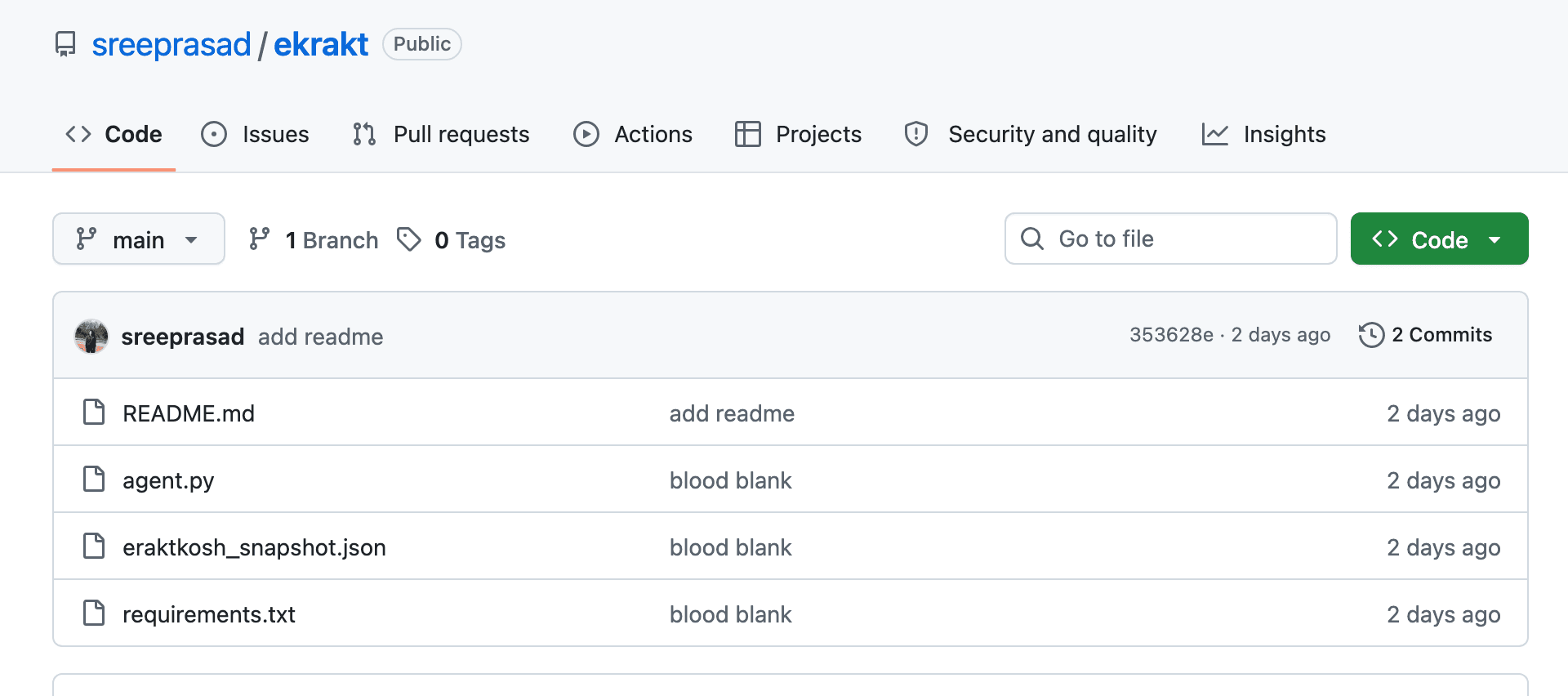
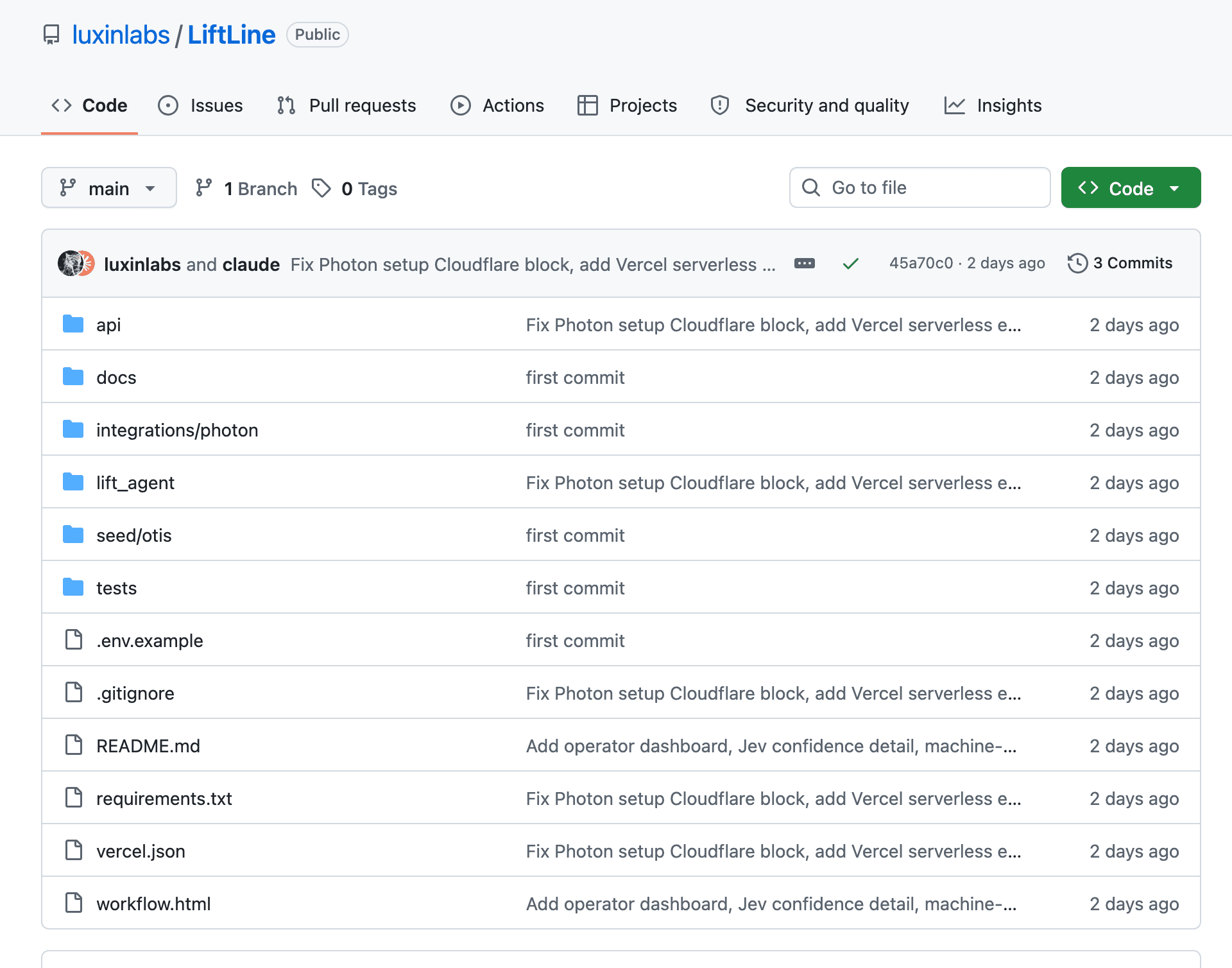
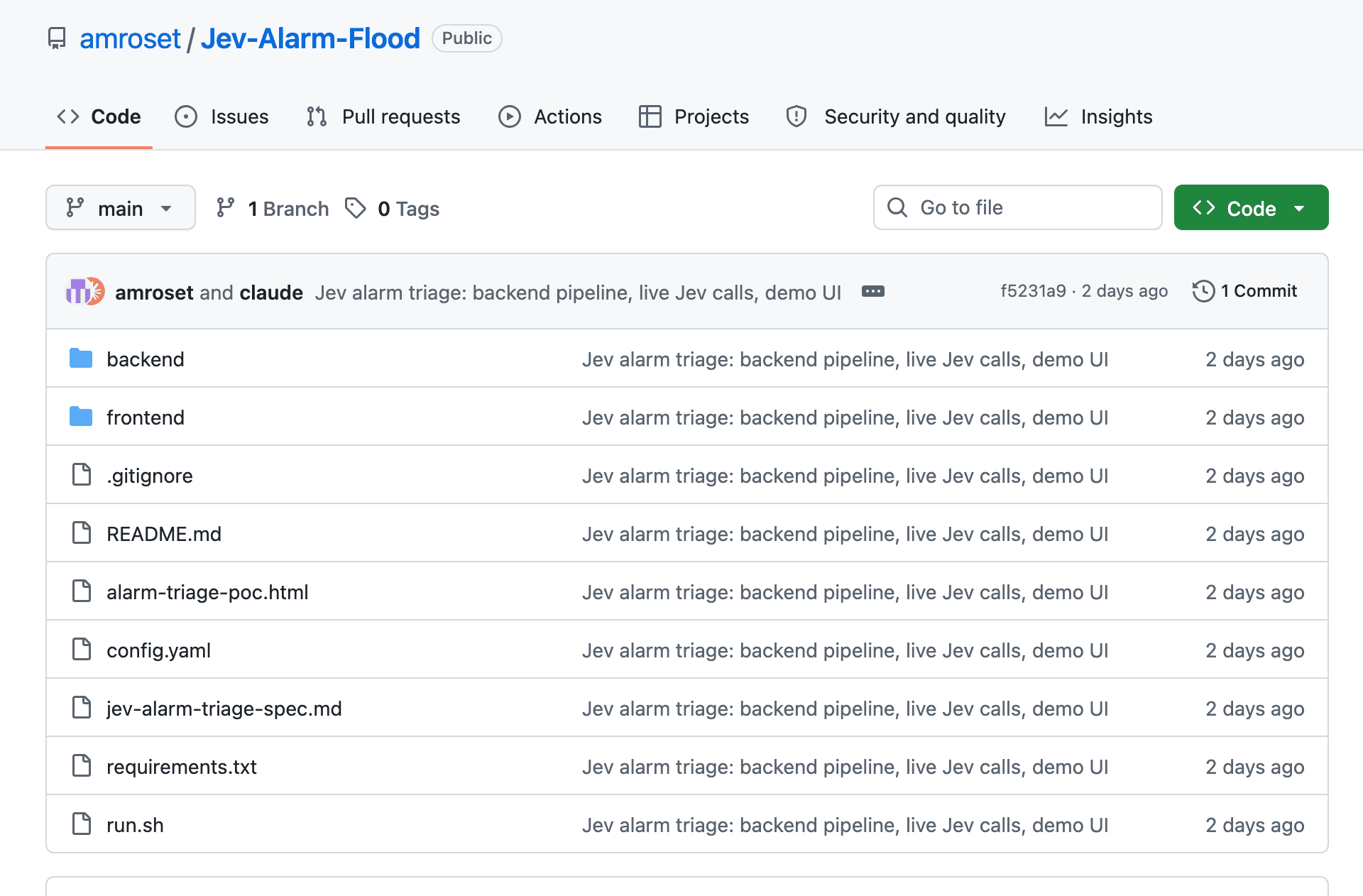
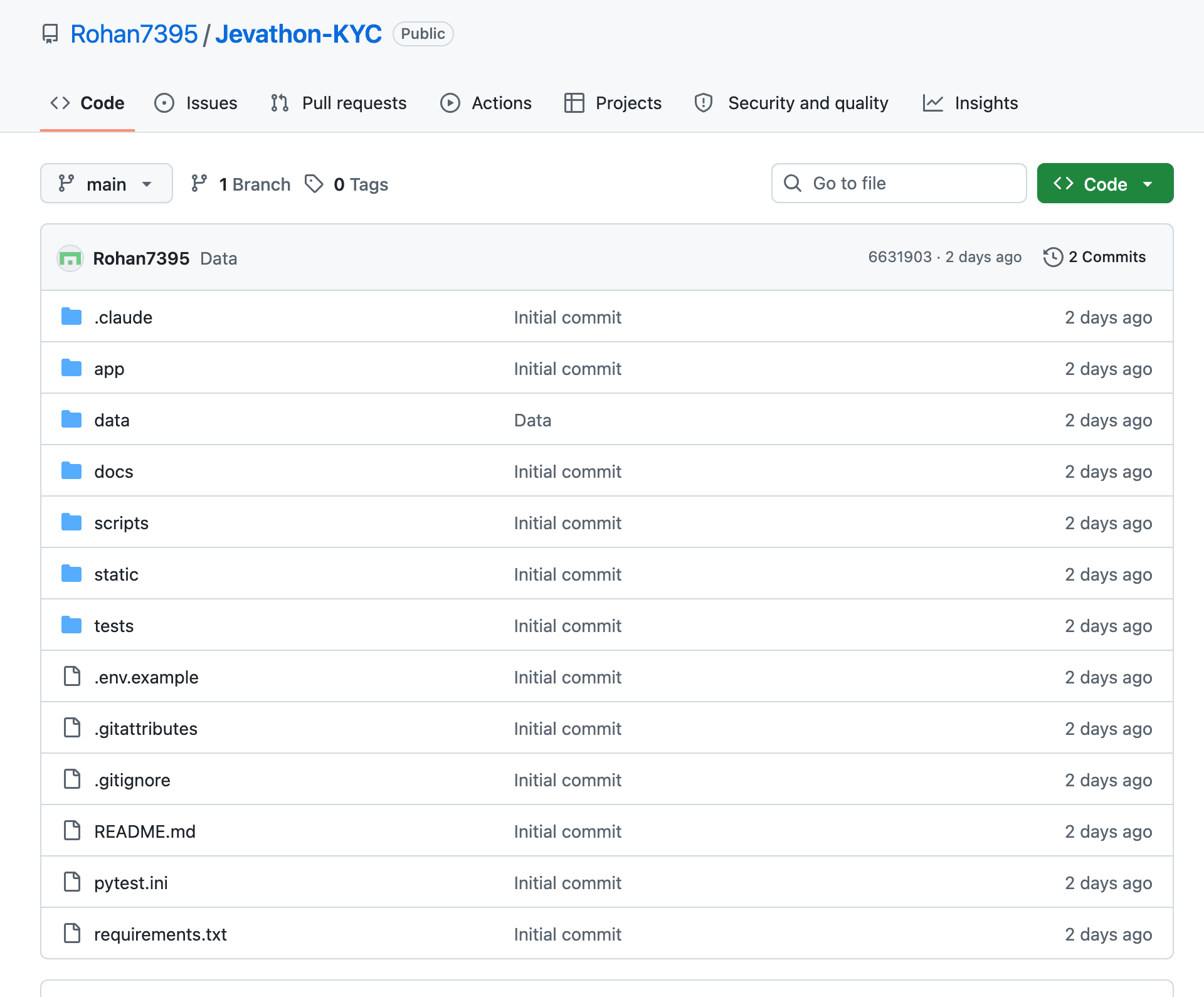
You type a goal, such as going to a site and finding the checkout page for the cheapest tickets. The tool reads the screen with the Mac's own text recognition and its list of on-screen controls, puts a box around every piece of text, and hands Jev the list along with the goal.
Jev answers three typed choices in one call: which kind of action comes next, which item on the screen to use, and which site. Ordinary code then does the click, and the next screen capture is the only proof of what happened, so nothing is trusted blind.
A larger writing model is only called when a field really needs free text or the run has stopped and the screen has to be read. The builder measured about 155 times cheaper and 14 to 40 times faster per decision than a large model working from a screenshot, and is open about the caveat that some reasoning, like reading dates, has to be rebuilt as plain code.
What you get
- Full Python source code under the MIT license
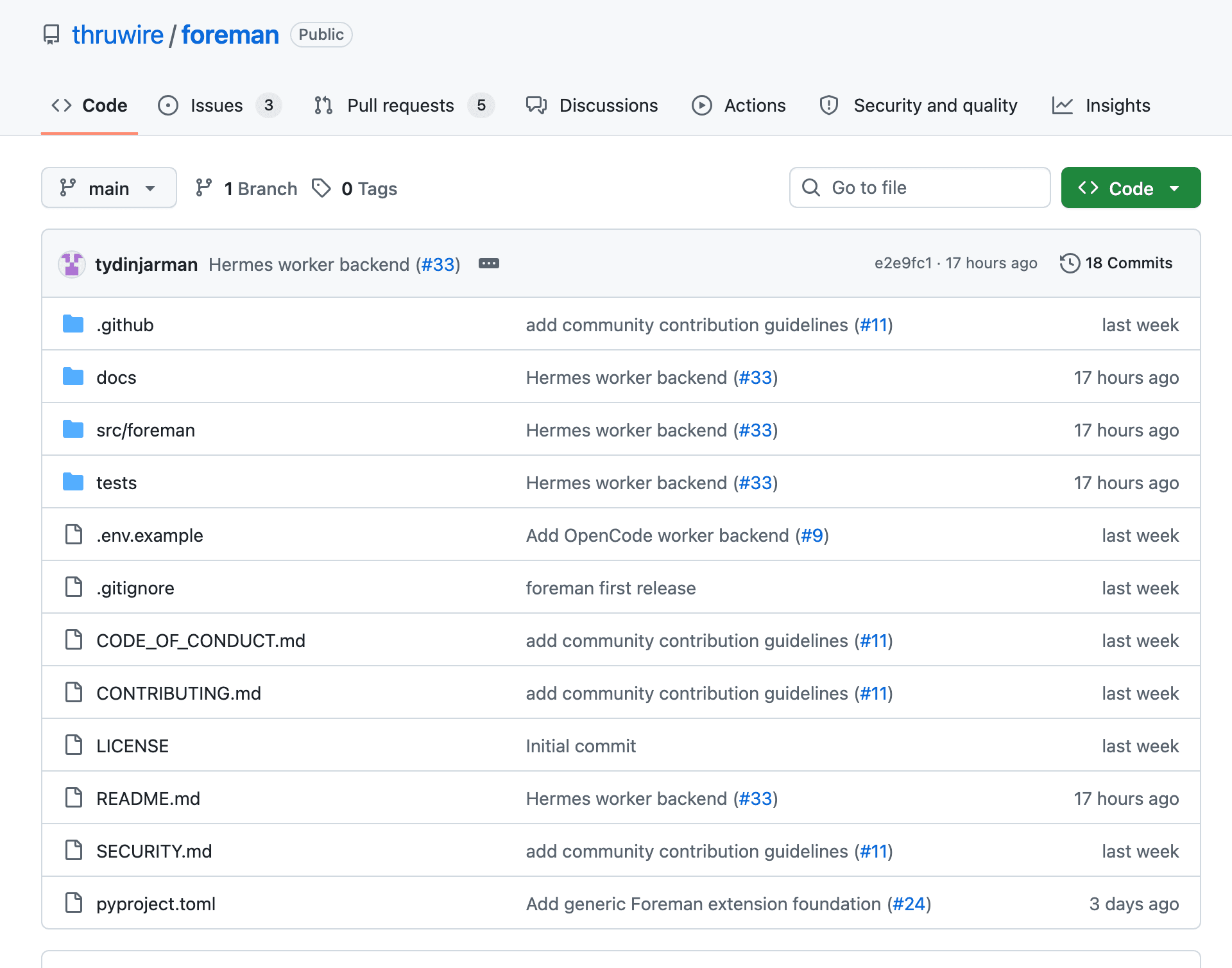
- A clicker command with a safe dry run, plus an inspect command that shows the annotated screen and what was sent to Jev
- Written notes on how a step works and how to replay a run offline


 Jev
 Python
 Codex
 OpenCode

 TypeScript
 Bun

 CodeRabbit participant